Your cart is empty
Looks like you haven't added anything to your cart yet






How to Design Custom Promotional Video Giveaways
Last Updated: November 11, 2026
Quick Summary
Design custom promotional video giveaways by defining one clear goal and audience, then writing a 15 to 30 second script built around a hook, entry rules, exact deadline, and call to action. Build a reusable branded template with captions and strong contrast, and write platform-specific rules with clear sponsorship disclosure before publishing.
- Pick one goal for your giveaway, since chasing three goals at once usually misses all of them.
- Keep most promotional video giveaways to 15 to 30 seconds so every line earns its place.
- Keep sentences under 12 words and read the script out loud, cutting anything you stumble on.
- Build one master template locking logo position, colors, fonts, and caption style, then swap prize and date.
- State the sponsor in the video, caption, and pinned comment, not only in a linked rules page.
Need a prize that fits your video campaign?We make custom promotional items and branded tools for events, giveaways, and outreach.
Design Your Giveaway Prize
Table of Contents
- Step 1: Define Your Target Audience and Giveaway Goal
- Step 2: Write a Compelling Giveaway Video Script
- Step 3: Choose a Promotional Video Maker and Editing Tools
- Step 4: Add Text Overlays, Branding, and Accessibility Features
- Step 5: Use a Giveaway Video Template for Consistent Branding
- Step 6: How to Design Custom Promotional Video Giveaways for TikTok
- Step 7: Promotional Giveaway Video Ideas That Drive Engagement
- Step 8: Stay Compliant with Giveaway Rules and Accessibility Standards
- Frequently Asked Questions
Step 1: Define Your Target Audience and Giveaway Goal
A custom promotional video giveaway works best when you know exactly who you want to reach and what you want them to do. This guide breaks the process into eight steps, from picking your audience to staying compliant with contest rules.
Start with one clear goal. Do you want more email signups, more followers, or more foot traffic at your event booth? Pick one. Giveaways that chase three goals at once usually miss all of them.
Then define your audience in plain terms:
- Job title and industry
- Where they spend time online
- What prize would actually excite them
- What action feels easy for them to take
Budget matters too. Before you promise a prize, work out the full cost of the item, shipping, and production. Our guide to calculating total cost of ownership for promotional items walks through that math step by step.
A common mistake is choosing a prize the marketing team likes instead of one the audience wants. Ask five people in your target group before you commit.
Step 2: Write a Compelling Giveaway Video Script
A strong script is short, clear, and built around a hook. Most promotional video giveaways run 15 to 30 seconds, so every line has to earn its place.
Use this simple structure:
- Hook (0-3 seconds): State the prize and the benefit.
- Rules (3-10 seconds): Explain how to enter in one sentence.
- Deadline (10-15 seconds): Give the exact end date.
- Call to action (15-20 seconds): Tell viewers what to do next.
Write the hook first. If it does not stop a scroll, nothing else matters. Try a direct line like "Win a branded prize pack, entries close Friday."
Keep sentences under 12 words. Read the script out loud. If you stumble, cut it.
What most guides miss is the deadline. Vague endings like "soon" kill urgency. Name the date and time.
Step 3: Choose a Promotional Video Maker and Editing Tools
Pick a video maker that matches your skill level and your platform. You do not need professional software to produce a clean giveaway video.
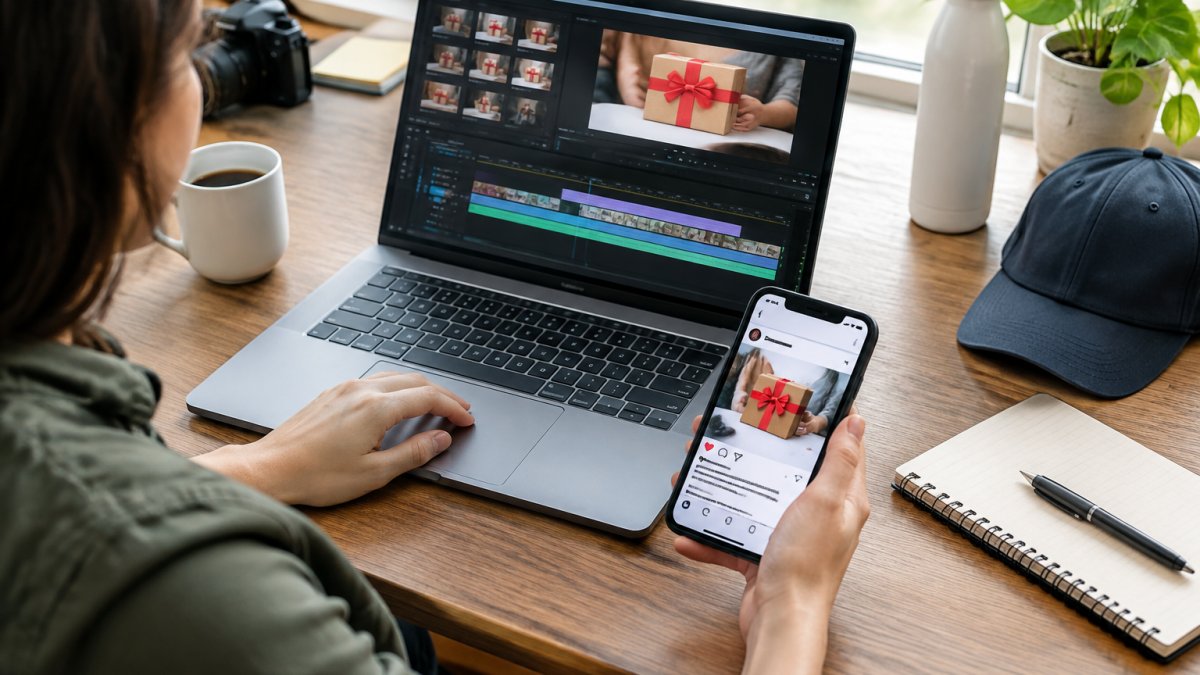
Compare your options before you commit:
| Tool Type | Best For | Typical Strength |
|---|---|---|
| Browser-based video maker | Beginners, quick edits | Built-in templates, no install |
| Mobile editing app | Social-first teams | Fast vertical edits |
| Desktop editor | Polished brand videos | Full control over timing |
| In-house design team | Large campaigns | Brand consistency |
Free tiers usually add a watermark. Check that before you build a whole campaign on one tool.
If you also need electronic promotional tools for the event itself, our roundup of the best custom electronic promotional tools covers options worth pairing with your video.
Test your export settings early. A video that looks sharp on a laptop can turn blurry on a phone.
Step 4: Add Text Overlays, Branding, and Accessibility Features
Text overlays and accessibility features make your giveaway video usable for everyone. Many viewers watch on mute, so captions are not optional.
Add these elements to every video:
- Captions: Burned-in subtitles for silent viewing
- Contrast: Light text on dark backgrounds, or the reverse
- Branding logo: Placed in one consistent corner
- Alt text: Written descriptions for any posted images
- Plain language: Short words, no jargon
The Web Content Accessibility Guidelines from the W3C set the baseline for captions, contrast, and readable text. Follow them and you cover most legal and practical needs at once.
Keep overlays off the bottom tenth of the screen. Platform buttons cover that zone.
A common mistake is cramming the whole script on screen. Show the prize and the deadline, nothing more.
Step 5: Use a Giveaway Video Template for Consistent Branding
A giveaway video template keeps every campaign on brand without starting from scratch. Build one master file, then swap the prize, date, and copy for each new push.
Your template should lock in:
- Logo position and size
- Brand colors and fonts
- Caption style
- Intro and outro length
- Safe zones for platform buttons
This saves hours per campaign. It also stops the drift that happens when five people edit five different versions.
For teams ordering printed materials alongside the video, our public sector branding standards guide shows how to keep uniforms, signs, and event displays aligned with the same visual system.
Watch out: templates go stale. Review yours twice a year so fonts and formats still match current platform specs.
Step 6: How to Design Custom Promotional Video Giveaways for TikTok
Designing custom promotional video giveaways for TikTok means shooting vertical, leading with the prize, and keeping the entry step dead simple. TikTok rewards fast, native-looking content over polished ads, and the platform's own promotion policies shape what you can legally say in the video itself.
Start with the format decisions that drive everything else:
- Aspect ratio: 9:16 vertical, shot on a phone when possible so the footage matches the feed
- Length: 15 to 30 seconds for the main announcement; 9 to 15 seconds for reminders
- Hook: Prize visible in the first two seconds, before any logo or intro
- Captions: On-screen text for every spoken line, since most viewers watch on mute
- Entry step: One action only, a comment, a follow, or a duet, never two
- Safe zones: Keep text and the prize out of the bottom tenth and the right edge, where TikTok's interface buttons and captions sit
Promotional posts should be labeled. State the sponsor in the caption as well as on screen. A common pattern is to open with the prize, name the sponsor in the first spoken line, and close with the deadline, that satisfies disclosure without burying the hook.
Heavy branding does the opposite.
Post the prize announcement as its own video, then follow with a reminder before the deadline and a winner announcement after. Pin the announcement to the top of your profile so new visitors see the rules first.
Track engagement per post rather than in aggregate. Comments and shares tell you more than views alone, and saves are a strong signal that viewers intend to enter later. If a reminder post outperforms the announcement, that is a signal the hook was stronger the second time, reuse that structure next campaign.
Watch out: TikTok's entry mechanics do not transfer cleanly to other platforms. A comment-to-enter rule that works here may violate another channel's promotion policies, so write platform-specific rules rather than one universal set.
Step 7: Promotional Giveaway Video Ideas That Drive Engagement
Promotional giveaway video ideas work best when the prize matches the audience and the entry step feels effortless. Here are formats that hold attention:
- Prize reveal: Open the box on camera
- Countdown teaser: Daily clips until launch
- Winner announcement: Film the reaction live
- Behind-the-scenes: Show how the prize was made
- User-generated content: Ask entrants to share their own clip
- Teaser script: A 10-second preview before the full video
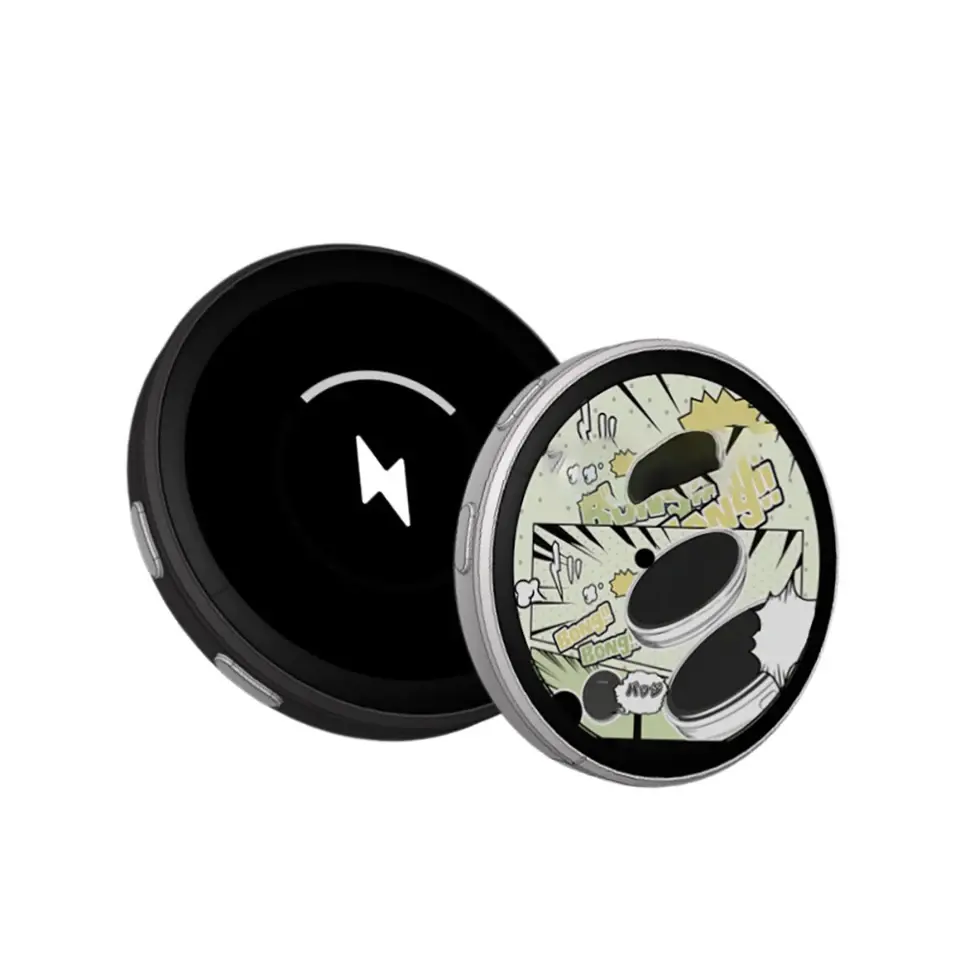
If you want a physical prize that carries your video message, the 1.8 inch Video Button plays dynamic content on a curved glass display, which suits events and brand activations.
Film the winner announcement, since real reactions tend to feel more authentic.
Step 8: Stay Compliant with Giveaway Rules and Accessibility Standards
Giveaway rules and accessibility standards protect you legally and widen your audience. Skipping them is the fastest way to lose trust or face a complaint, and almost no competing guide covers the mechanics, which is where this section goes deeper.
Put these terms in writing before the video goes live:
- Eligibility: Age and location limits, stated plainly
- Entry period: Exact start and end dates and times, including time zone
- Prize details: What is awarded, how many winners, and how the prize is delivered
- Winner selection: Random draw method or judging criteria, named in advance
- Disclosure: A clear label that the post is a promotion and who is sponsoring it
- Release: Permission to use the winner's name or likeness in follow-up content
Sponsorships and endorsements should be clearly disclosed (the FTC). State the sponsor in the video, in the caption, and in the pinned comment, not only in a linked rules page. A common pattern is a spoken line such as "Sponsored by [brand]" in the first five seconds, plus a visible on-screen label.
Platform rules layer on top of federal rules. Platforms often publish their own promotion policies, so check the rules for each channel. Write a separate rules block for each channel rather than one universal set, because a mechanic that is allowed on one platform can be prohibited on another.
Accessibility is the other half of compliance, and it is where most guides stop short. Accessibility guidelines set the baseline:
- Captions: Burned-in subtitles for silent viewing, plus a caption file where the platform supports it
- Contrast: Strong contrast between text and background
- Flashing: Avoid rapid flashing that can trigger photosensitive reactions (Understanding Success Criterion 2.3.1: Three Flashes or Below Threshold | WAI)
- Alt text: Written descriptions for any posted images and thumbnails
- Plain language: Short words, no jargon, and a spoken version of any on-screen text
Keep overlays off the bottom tenth of the screen, where platform buttons cover them, and keep the prize and deadline visible for at least three seconds so viewers who read slowly can catch them.
Before prizes ship, confirm they meet your quality bar. Our 7-step guide to verifying promotional product quality covers what to check.
Watch out: rules that differ by platform. A TikTok entry mechanic may not work the same way on another channel, and a rules page that promises one thing while the video promises another is the most common source of complaints.
Frequently Asked Questions
What should a promotional giveaway video include?
A complete promotional video should state the prize clearly, show the prize in use, explain how to enter, list the start and end dates, and include a clear call to action. Add your branding logo, platform-specific dimensions, and accessibility features like captions. Keep the video short (15-60 seconds) and end with a prompt to follow your account or visit your website.
How long should a promotional giveaway video be?
Most social media giveaway videos work best at 15 to 30 seconds for TikTok and Instagram, and up to 60 seconds for Facebook or YouTube. Focus on the hook in the first 3 seconds, show the prize quickly, and keep the entry steps simple. Test different lengths with your audience to see what drives the most engagement.
Which tools can I use to create a promotional giveaway video?
You can use a promotional video maker to create templates, add text overlays, and export in platform-specific dimensions. Many platforms also provide built-in editing features. Choose a tool that matches your budget and skill level, and always check that it supports captions for accessibility.
How do I explain giveaway rules clearly in a video?
State the key rules in both the video and the caption: eligibility, entry method, start and end dates, prize details, and that the platform does not sponsor the giveaway. Use on-screen text to reinforce verbal instructions. Keep the rules brief in the video and link to the full terms in the caption or bio.

- Choosing a selection results in a full page refresh.
